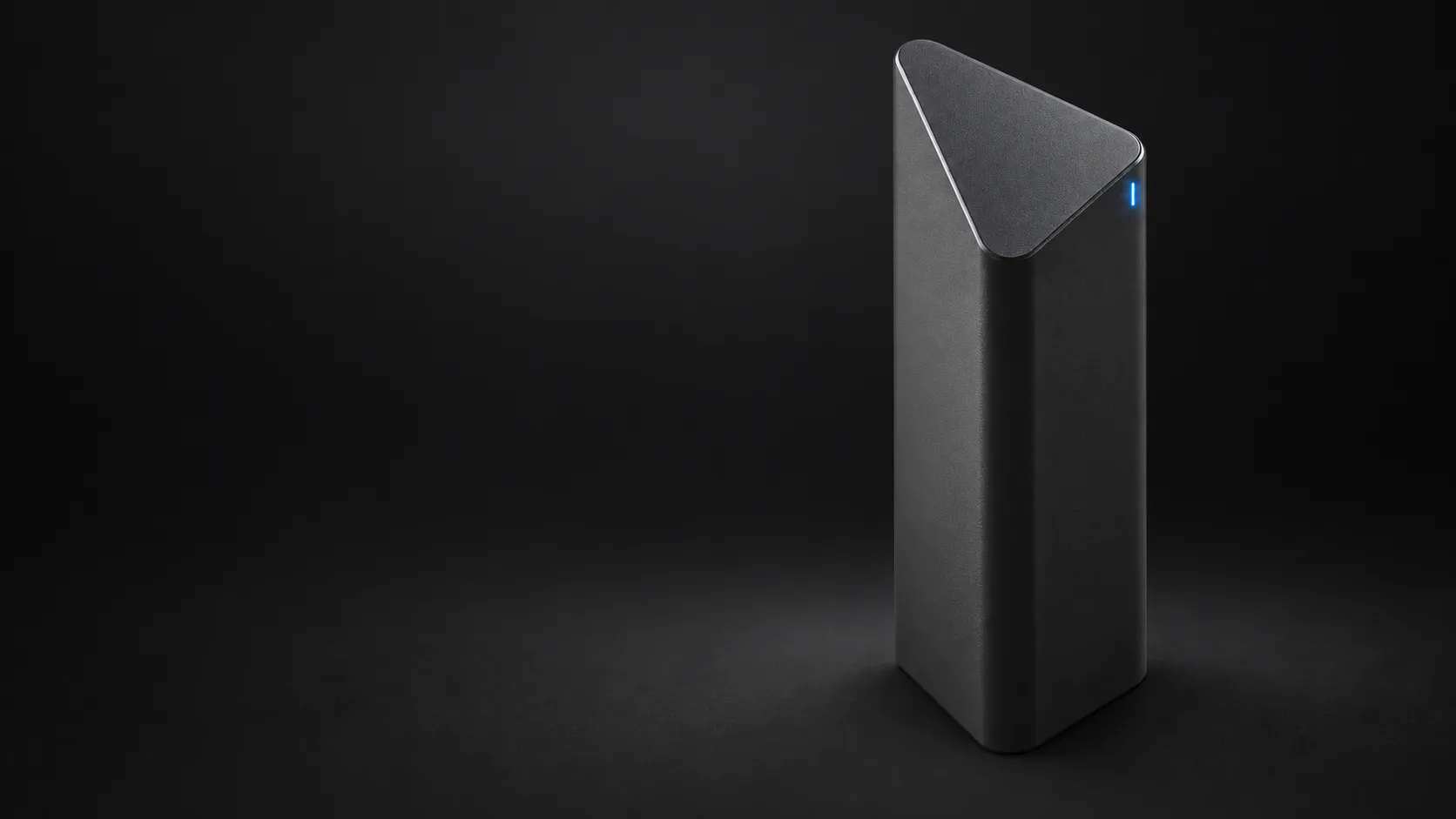
Vaitiq Private AI hardware
AI that stays in the room.
A dedicated desktop appliance for people who want a serious local model without building and maintaining an AI workstation.
Up to 320B-parameter models 1600+ output tok/s
Why Vaitiq stays local
Built for one job
Dedicated hardware, tuned for local inference.
Private by architecture
The model and your conversations stay on the device.
Made for your stack
OpenAI, Anthropic and Ollama-compatible APIs.
Vaitiq.H The first of the line
Our flagship accelerator, built for the largest open models.
Vaitiq.H pairs processing-in-memory (PIM) with custom hardware, bringing data-center-scale performance to your desk.
- DeepSeek-V4-Flash
- 1000+ tok/s
- Qwen3.8-Flash-Next
- 1600+ tok/s
- GLM-5.3-Flash
- 800+ tok/s
Design targets
From cable to first prompt
How it works
- 01
Plug it in.
One USB-C cable to your computer.
- 02
Open vaitiq.local.
Your computer already has the drivers. Vaitiq shows up as a network device and serves its own dashboard as a web page. Windows, macOS and Linux.
- 03
Point your apps at it.
Use clients that support OpenAI, Anthropic or Ollama-compatible endpoints. Point them at Vaitiq instead.
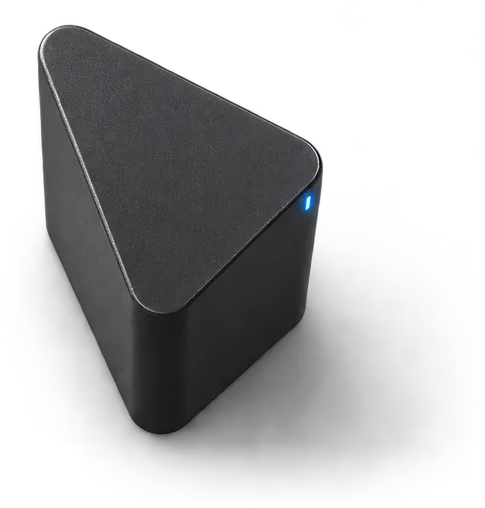
A private network path between your computer and Vaitiq.
Compatibility
It works with what you already have.
Vaitiq appears as a network device and exposes the familiar AI interfaces your apps already support.
- Connection
- One USB-C cable to your computer
- Setup
- Nothing to install
- Works with
- Windows 11, macOS and Linux
- Speaks
- OpenAI, Anthropic and Ollama-compatible APIs
Early access
Follow Vaitiq from target to tested.
Get measured benchmarks, final specifications and first availability. No weekly noise.